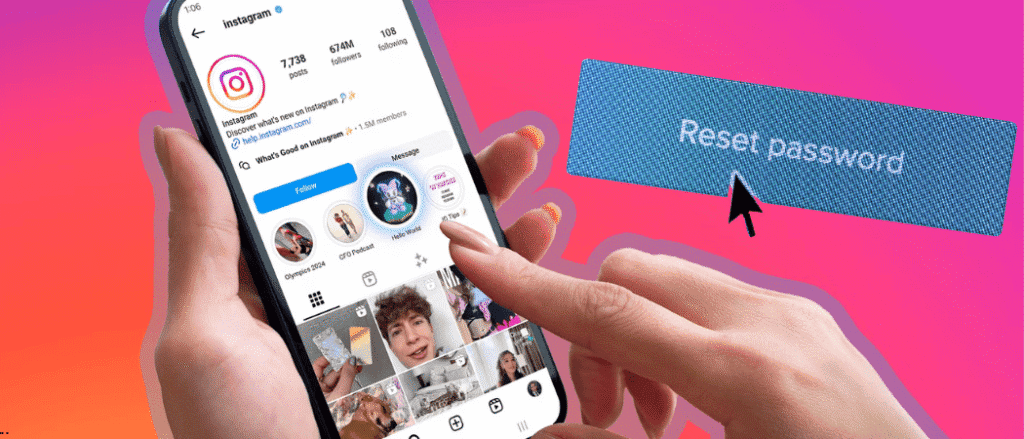

If you recently got a password reset email from Instagram that you didn’t ask for, you’re definitely not alone. And if you immediately turned on your two-factor authentication after that, you’re also not alone. But don’t worry, Instagram has now stepped in to clear the confusion after many users reported receiving unexpected reset emails. The company apologised for the mix-up and confirmed that users should simply ignore those emails. Here’s what you need to know to ease any troubled thoughts you may have.
Also read: Use This Guide To Get A Massive 39 Days Of Leave In 2026
What Actually Happened?
Instagram explained that it recently fixed an issue that allowed an external party to trigger password reset emails for some users. While the emails caused panic, Instagram stressed that this did not mean accounts were compromised. According to the platform, there was no breach of Instagram’s systems, and user accounts remain secure.
Why Data Theft Reports Added To The Fear
The clarification came around the same time cybersecurity firm Malwarebytes reported that cybercriminals had stolen sensitive information from 17.5 million Instagram accounts. Naturally, this made users more anxious. However, Instagram confirmed that the password reset email issue was not connected to this report.
Should You Be Worried About Random Reset Emails?
Getting a password reset email you didn’t request doesn’t always mean someone is hacking your account. Sometimes, it can be as simple as another user accidentally typing the wrong email address. The good news? No one can access your account unless they already know your password or click the login link inside that email.
How To Spot A Real Instagram Email
Instagram says official emails will only come from @mail.instagram.com. If the email comes from any other address, it’s likely a phishing attempt. In that case, avoid clicking on links or downloading anything attached to the email.
Extra Steps To Stay Safe
If you’re still feeling unsure, you can reset your password yourself and turn on two-factor authentication. Just head to the Accounts Centre, go to Password and Security, and choose your preferred authentication method. It’s a quick step that adds an extra layer of protection.
In the end, Instagram says your account is safe, there was no system breach, and those random emails can be ignored. Still, staying alert and keeping your security settings updated never hurts.