
Travelling is all about switching off, exploring new places and snapping those memories. But while you’re busy chasing sunsets and ticking landmarks off your itinerary, cybercriminals are working overtime. As you kick back, cybercriminals could now be looking for opportunities to target unsuspecting travellers. This can be at dodgy airport charging ports, fake Wi-Fi networks, or even sharing on social media! Thankfully, staying safe online doesn’t have to be complicated because we’ve rounded up some simple tips to protect yourself from a phone hack or cyber threat!
Before Posting That Mandatory Travel Instagram Post, Here’s Why You Should Think Twice Before Posting Your Travel Pics
1. Don’t Announce Your Holiday In Real Time
It might be tempting to post airport selfies, hotel check-ins and live location updates throughout your trip. But cybersecurity experts recommend saving those posts until you’re back home. Sharing your location in real time can unintentionally reveal that your home is empty. So that means increasing the risk of both online scams and even physical security concerns. If you can’t resist posting, keep your account private and limit who can see your updates.
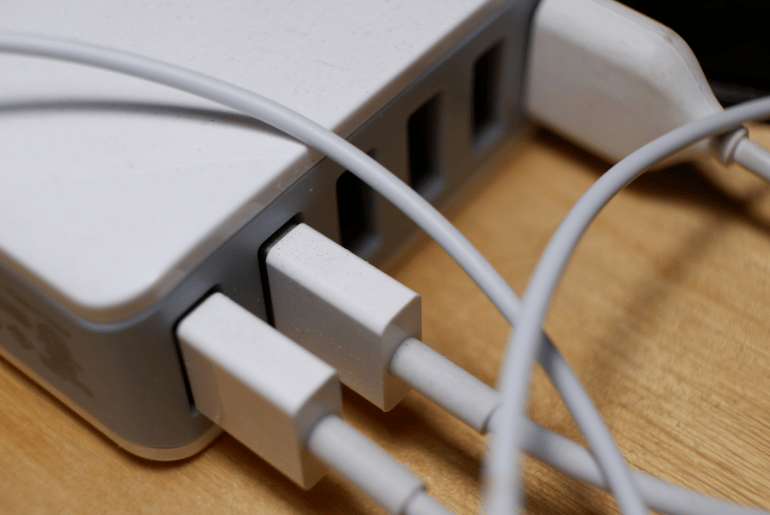
2. Stay Away From Public USB Charging Stations
You know those convenient charging ports at airports and transport hubs? Yeah, those may not be as harmless as they seem. Cybersecurity authorities continue to warn about ‘juice jacking’ attacks, in which compromised USB ports can access information stored on your device or install malicious software. Instead, bring your own wall charger, carry a power bank or plug directly into a standard electrical socket using your own charging cable.
3. Rethink Before Using Public Wi-Fi
Free Wi-Fi is everywhere, and most of us love to use it to avoid wasting our data while doomscrolling! But you need to be cautious. While most modern websites now use secure encryption, it’s still best to avoid logging into banking apps or entering payment details when connected to public networks. If you’re unsure about the connection, switch to your mobile data or use a personal hotspot instead.
4. Secure Your Devices Before You Leave
Make sure your phone, tablet, and laptop are running the latest software updates, as these often fix security flaws that hackers actively exploit. It’s also best to enable automatic updates so your devices stay protected throughout your trip.
5. Turn On Multi-Factor Authentication
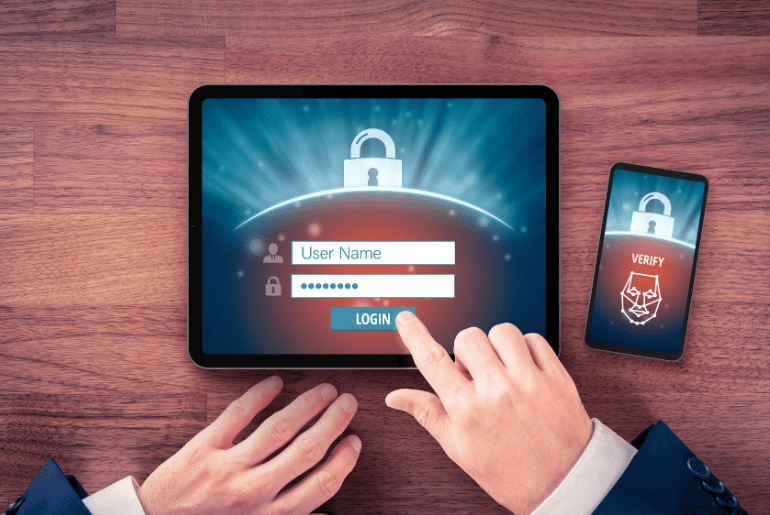
Today, just having one password simply isn’t enough anymore. Enable multi-factor authentication (MFA) wherever possible. Strengthen it with a strong PIN, password, or biometric login like fingerprint or facial recognition. Even if someone gets hold of your password, they’ll have a much harder time accessing your accounts.
6. Enable Device Tracking
Before heading to the airport, switch on your device’s tracking tools. Features such as Apple’s Find My and Google’s Find My Device allow you to locate, lock or remotely erase your phone or laptop if it’s lost or stolen while you’re travelling.
7. Review Your Privacy & Location Settings
Many apps ask for your location even when they don’t really need it. Take a few minutes to check which apps have access to your location and personal information. Don’t forget to switch off permissions that aren’t necessary while you’re away.
8. Remember To Back Up Everything!
Your holiday photos are priceless, as well as the documents you store! Before travelling, back up your photos, contacts and important documents to the cloud or an external drive. If your phone goes missing, you’ll still at least have access to your important files.
9. Travel With Fewer Devices
Carrying more devices as backup seems the right thing to do. But the more gadgets you pack, the more you have to protect. If possible, only bring the devices you’ll actually use during your trip. Fewer devices mean fewer opportunities for loss, theft or cyberattacks.
10. Don’t Leave Your Devices Unattended
Whether you’re at a café, airport or popular attraction, don’t leave your devices unattended. If you need to leave them behind, store them securely in your hotel safe. Even a brief distraction can be enough for someone to walk away with your belongings.
11. Turn Off Automatic Connections
As convenient as it may seem, your phone could automatically connect to unfamiliar Wi-Fi or Bluetooth devices without you even noticing. Disable auto-connect settings before travelling to reduce the risk of connecting to unsafe networks.
12. Check Your Accounts After You Return
Your device security routine shouldn’t end when your holiday does. Keep an eye on your bank accounts, email and social media for unusual activity over the following weeks. Monitor your accounts for unfamiliar purchases, login attempts or password reset emails. Also, do not forget about all the travel or transport apps you downloaded specifically for your trip. Maybe even consider deleting them once you’re home to reduce unnecessary data exposure.
Cybersecurity experts also advise taking a few extra precautions before you travel. This also includes updating passwords, enabling instant banking alerts, carrying a backup payment method and relying only on official banking apps. If you ever suspect your phone has been compromised while overseas, disconnect it from the internet immediately, change your passwords using a trusted device, and contact your bank/service providers as soon as possible.
To protect your money, personal information and devices while travelling, you need to be a bit prepared and aware of your surroundings. Following these simple tips will help you focus on making memories instead of dealing with a sudden phone hack and losing your data. If you want a stress-free break, then keep reading Gulf Buzz for more practical travel advice.
Are You Travelling Soon? Here’s How Dubai Police Can Protect Your Home For Free